Master Signing Legal Documents Online: A Step-by-Step Guide

Signing legal documents online sounds like a convenience upgrade, and almost everyone expects it to be as easy as sending a quick email. Yet mistakes can turn a simple e-signature into a legal headache. Did you know that improper document prep is responsible for most online signing errors and can void an agreement entirely? What most people miss is that every step before you hit ‘sign’ actually matters more than the click itself.
Table of Contents
- Step 1: Prepare Your Legal Documents For Signing
- Step 2: Choose A Trusted E-Signature Platform
- Step 3: Upload Your Documents To The Platform
- Step 4: Add Signatures And Required Information
- Step 5: Review And Finalize The Signed Documents
- Step 6: Verify And Store Your Signed Documents
Quick Summary
| Key Point | Explanation |
|---|---|
| 1. Prepare documents meticulously | Gather and review all documents to ensure completeness and accuracy before digital signing. |
| 2. Select a secure e-signature platform | Choose a platform that offers robust security, compliance with legal standards, and user-friendly features. |
| 3. Verify and format documents correctly before upload | Ensure your documents are in the correct format and meet file size requirements to avoid upload issues. |
| 4. Complete signatures accurately | Pay close attention to details when adding signatures and personal information to ensure legal validity. |
| 5. Store signed documents securely | Create multiple backups and implement a consistent naming convention to maintain easy access to important legal documents. |
Step 1: Prepare Your Legal Documents for Signing
Signing legal documents online requires meticulous preparation to ensure legal validity and protect your interests. Before you begin the digital signing process, you’ll need to carefully organize and review all necessary paperwork. Proper document preparation is crucial for preventing potential legal complications and ensuring a smooth signing experience.
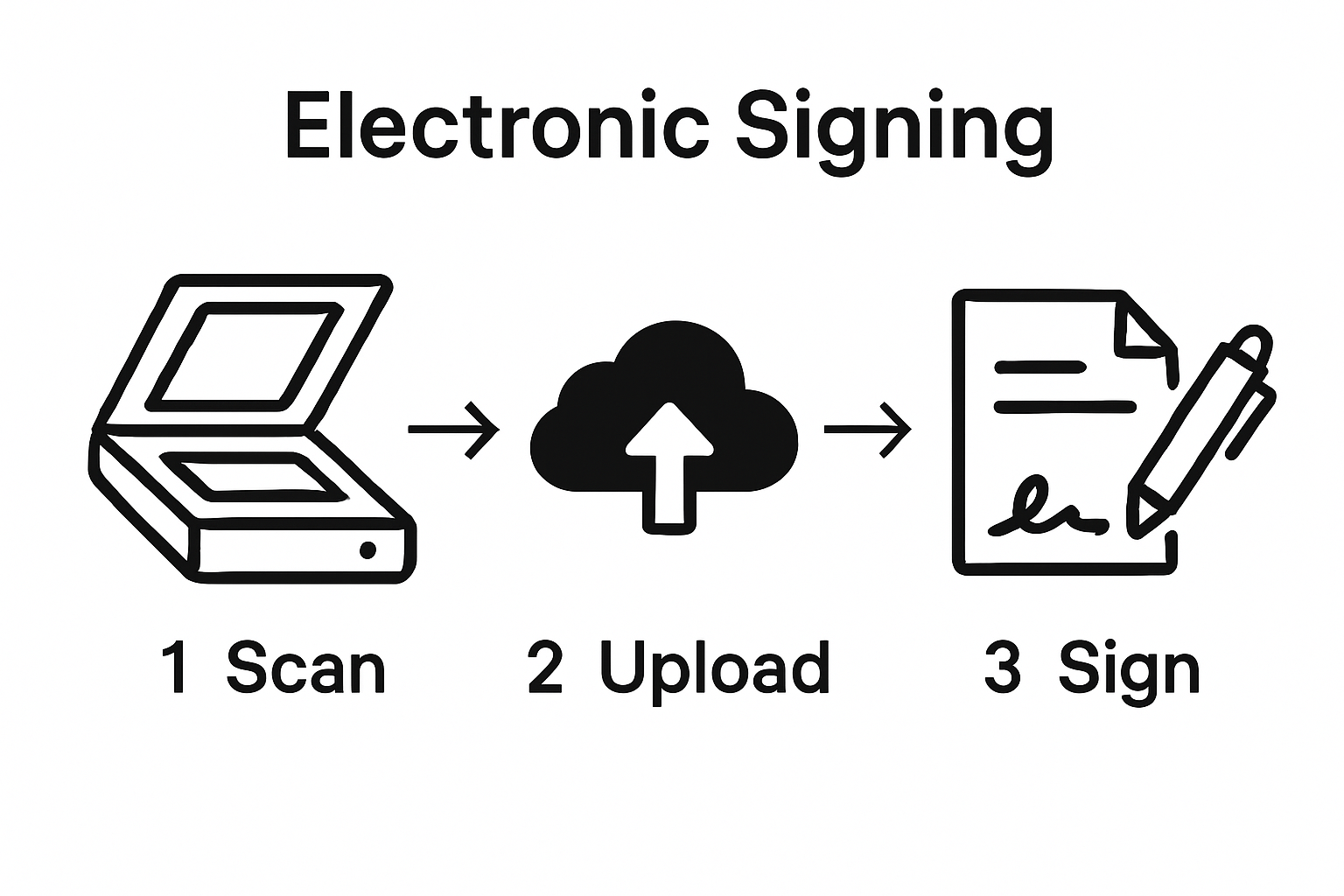
Start by gathering all original documents that require signatures. This typically includes contracts, agreements, affidavits, and other legally binding paperwork. Check that each document is complete, with no missing pages or sections. Scan these documents using a high-resolution scanner or smartphone camera, ensuring the images are clear, legible, and capture the entire page without cutting off any critical text or margins.
Verify the document’s authenticity by confirming you have the most recent version. Cross-reference with any email communications, original source files, or official copies. Pay special attention to dates, specific clauses, and any recently negotiated terms. If you’re working with multiple versions of a document, clearly mark the final version to avoid any potential confusion.
Organize your digital files systematically. Create a dedicated folder on your computer or cloud storage specifically for these legal documents. Name each file clearly and consistently, including the document type, date, and version number. For instance, “Employment_Contract_Johnson_2024_v3.pdf” provides immediate context about the document’s nature and version.
Before proceeding to digital signing, review our comprehensive guide on document legalization to ensure your documents meet all legal requirements. Double-check that you have all necessary supporting documents, identification, and supplementary materials ready for the signing process.
Key items to have prepared before digital signing:
- Original document copies
- Valid government-issued photo identification
- Any supporting documentation or references
- Stable internet connection
- Device with clear camera or scanning capability
By methodically preparing your legal documents, you’ll streamline the online signing process and minimize potential errors or delays. Each careful step you take now reduces the risk of future legal complications and ensures a smooth, professional document signing experience.
Below is a checklist summarizing the key items you should have ready before you begin signing legal documents online to ensure a smooth and error-free process.
| Item | Description | Why It Matters |
|---|---|---|
| Original document copies | Final, complete versions of all legal documents | Ensures validity and captures correct info |
| Valid government-issued photo ID | Passport, driver’s license, or similar identification | Required for legal verification |
| Supporting documentation | Any references or additional paperwork | Confirms accuracy and context |
| Stable internet connection | Reliable Wi-Fi or data connection | Maintains security and prevents dropouts |
| Camera or scanning-capable device | Smartphone or scanner with clear image capability | Needed to digitize paper documents |
Step 2: Choose a Trusted E-Signature Platform
Selecting the right e-signature platform is a critical step in signing legal documents online. Not all digital signature tools are created equal, and the platform you choose can significantly impact the legal validity and security of your documents. The ideal e-signature solution must provide robust authentication, compliance with legal standards, and comprehensive document protection.
Begin by evaluating platforms that offer advanced security features. Look for services that provide multi-factor authentication, encryption protocols, and comprehensive audit trails. Professional e-signature platforms create a digital fingerprint for each document, tracking every action from upload to final signature. This creates a legally defensible record that can be crucial if document authenticity is ever questioned.
Consider the specific legal requirements for your documents. Different types of legal paperwork may require varying levels of verification. Some platforms specialize in specific document types, such as contracts, affidavits, or business agreements. Explore our guide on understanding digital signatures for businesses to gain deeper insights into selecting the right platform for your specific needs.
Prioritize platforms that comply with Canadian legal standards for electronic signatures. Look for services that meet the requirements of the Personal Information Protection and Electronic Documents Act (PIPEDA) and provincial regulations. Verify that the platform provides a certificate of completion for each signed document, which serves as legal proof of the signing process.
Key criteria for selecting an e-signature platform:
- Bank-level security encryption
- Legal compliance with Canadian electronic signature laws
- User-friendly interface
- Comprehensive document tracking
- Ability to handle multiple document types
During your selection process, request free trials from multiple platforms. Test the user interface, signature workflow, and compatibility with your specific document types. Pay attention to customer support options and additional features like document template creation, automatic reminders, and integration with other business tools.
Ultimately, the right e-signature platform should simplify your document signing process while providing ironclad legal protection. Take time to research, compare options, and choose a platform that meets your specific legal and professional requirements.
Here is an overview of the essential criteria to keep in mind when selecting an e-signature platform, comparing each feature’s purpose and importance.
| Criteria | Purpose | Importance |
|---|---|---|
| Bank-level security encryption | Protects documents and personal data | High – ensures document confidentiality |
| Legal compliance (PIPEDA, provincial) | Meets Canadian electronic signature laws | Essential for legal enforceability |
| User-friendly interface | Simplifies signing and navigation | Speeds up process, reduces errors |
| Document tracking/audit trail | Records actions and signatures | Provides legal proof and accountability |
| Handles multiple document types | Supports varied legal paperwork | Increases versatility of platform |
Step 3: Upload Your Documents to the Platform
Uploading documents to an e-signature platform marks a critical transition in your digital signing journey. Precision during this step prevents potential errors that could compromise the legal integrity of your documents. Before initiating the upload, ensure your digital files are perfectly prepared and meet the platform’s specific requirements.
Launch your chosen e-signature platform and locate the document upload section. Most platforms feature a prominent “Upload” or “Add Document” button typically positioned in a clear, accessible location. Select your prepared PDF or compatible document file from your computer or cloud storage. Verify the file is the most recent version and contains all necessary pages before proceeding.
Pay close attention to file formatting and size restrictions. Some platforms have specific requirements for document resolution, file type, and maximum upload size. PDFs are generally the most universally accepted format, offering consistent appearance across different devices and operating systems. If your document is in another format, consider converting it to PDF to ensure maximum compatibility and preserve formatting.
Learn more about commissioning and notarizing documents online to understand additional verification steps that might be necessary for certain legal documents. During the upload process, some platforms will automatically scan your document for potential issues like unclear text, missing pages, or formatting problems.
Critical document upload checklist:
- Confirm document is in PDF format
- Ensure all pages are included and clearly legible
- Check file size meets platform requirements
- Verify document contains all necessary signatures and initial spaces
- Have identification documents ready for verification
After uploading, most platforms will provide a preview of your document. Carefully review this preview to confirm every page has uploaded correctly. Look for clear text, proper page orientation, and no cut-off margins. Some platforms offer editing tools that allow minor adjustments directly within the upload interface.
Successful document upload means your file is now securely stored in the platform and ready for the next steps in the digital signing process. Take your time, double-check everything, and proceed with confidence knowing your legal documents are properly prepared for electronic signature.
This checklist highlights the critical verification steps you should follow before uploading your legal document to an e-signature platform for signing.
| Verification Step | What to Check | Reason |
|---|---|---|
| PDF format confirmation | Document is saved as a PDF | Ensures compatibility and preserves formatting |
| All pages included and legible | Every page is clear, no missing sections | Protects document integrity |
| File size meets requirements | Below platform upload limits | Prevents upload errors and system rejection |
| Signature/initial fields present | Spaces are ready for every party | Avoids delays or missed information |
| Identification documents available | Valid government ID is on hand | Enables quick identity verification |
Step 4: Add Signatures and Required Information
Adding signatures and required information represents the most critical phase of your online document signing process. Precision and accuracy are paramount when completing electronic signature fields, as even minor errors can invalidate legal documents. Your goal is to create a clear, legally binding record that accurately represents your intent and identity.
Carefully review each signature field in the document, paying close attention to the specific requirements for each section. Some documents may require full legal signatures, while others might need initials or specific formatting. Hover over each signature field to understand its exact requirements before adding your information. Many platforms provide helpful tooltips or guidelines to ensure you complete each field correctly.
Learn more about the nuances of witnessing electronic signatures in Ontario to understand the specific legal requirements for your document type. Most e-signature platforms offer multiple ways to add your signature, including typing, drawing with a mouse or touchpad, or uploading a prepared signature image. Choose the method that provides the most authentic representation of your signature while meeting the platform’s legal standards.
When entering personal information, use the exact details that match your official identification. Double-check your full legal name, address, and any additional required details. Platforms typically include validation checks to ensure consistency and prevent errors. If you’re signing on behalf of a business, make sure to include your official title and any necessary corporate information.
Critical signature and information checklist:
- Verify all personal details match official identification
- Ensure each signature field is completed accurately
- Check that date and time stamps are correct
- Confirm you have the authority to sign the document
- Review all entered information for accuracy
Be prepared to provide additional verification if required. Some platforms may request a photo ID upload or additional authentication steps to confirm your identity. This extra layer of security protects all parties involved and ensures the legal validity of your electronic signature.
Once you’ve completed all signature fields, take a final, comprehensive review of the entire document. Carefully examine each page to confirm you haven’t missed any crucial sections or signature lines. The right approach combines careful attention to detail with a methodical, patient process of document completion.
Step 5: Review and Finalize the Signed Documents
The final stage of online document signing demands meticulous attention to detail. Reviewing and finalizing your signed documents is more than a formality - it’s your last opportunity to ensure legal accuracy and protect your interests. This critical step transforms your digital signatures from mere electronic marks into legally binding documentation.
Begin by conducting a comprehensive, page-by-page review of the entire document. Zoom in on each section to verify that all signature fields are correctly completed, dates are accurate, and no unexpected changes have occurred during the signing process. Pay special attention to any pre-filled information, confirming that every detail matches your understanding of the document’s terms.
Understand the legal nuances of electronic signatures in Ontario to ensure your final document meets all provincial requirements. Most e-signature platforms provide a detailed audit trail that tracks every action taken during the document preparation and signing process. Carefully examine this trail to confirm the document’s integrity and chronological sequence of signatures.
Verify that all parties required to sign have completed their respective sections. Check for any missing signatures, incomplete fields, or sections that might require additional input. Some platforms automatically highlight incomplete areas, but a manual review provides an extra layer of protection against potential oversights.
Key finalization verification points:
- Confirm all signature fields are properly completed
- Verify date and timestamp accuracy
- Check document matches original version
- Ensure all required parties have signed
- Review audit trail for any discrepancies
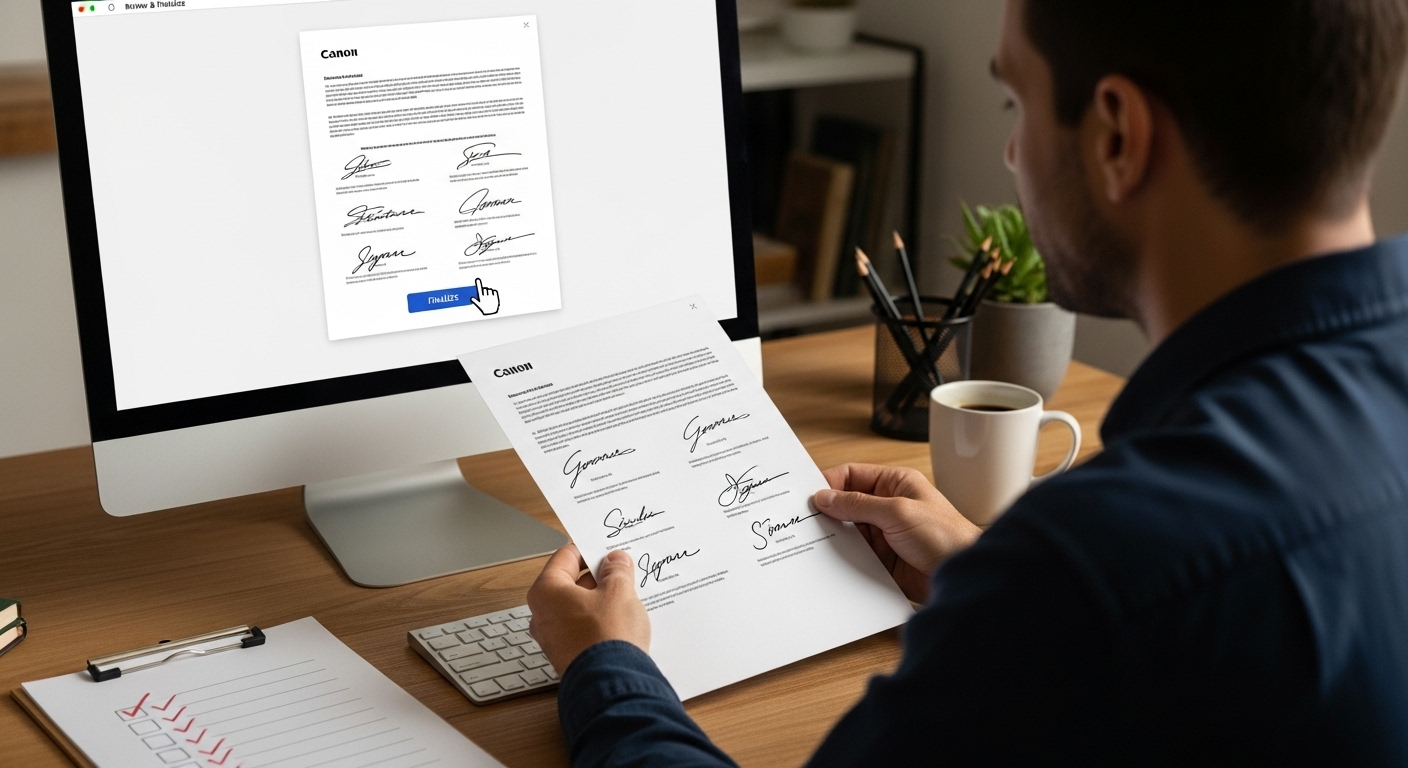
Once you’re satisfied with the document’s completeness, proceed with the platform’s finalization process. This typically involves clicking a “Finalize” or “Complete” button that locks the document and generates a final, tamper-proof version. Most platforms will provide a completion certificate or verification email that serves as proof of the signed document’s authenticity.
Store the finalized document securely. Download a copy to your personal computer and ensure you have both digital and potentially printed backups. The signed document now represents a legally binding agreement, so treat it with the same care and importance you would give to a traditional paper contract.
Before finalizing your signed document, use this checklist to verify all requirements have been thoroughly addressed for legal security and completeness.
| Finalization Point | What to Confirm | Importance |
|---|---|---|
| All signature fields completed | No blank or missed signature areas | Ensures legal validity |
| Dates and timestamps accurate | Signing times are correct and match the event | Important for record verification |
| Document matches original version | No unauthorized changes or omissions | Preserves agreement terms |
| All required parties have signed | Every necessary person has participated | Makes the document enforceable |
| Audit trail reviewed | Action log is complete, no discrepancies | Adds another layer of legal protection |
Step 6: Verify and Store Your Signed Documents
Verifying and storing your signed documents is the final crucial step in protecting your legal interests. Digital document preservation requires more than simply saving a file - it demands a strategic approach to ensure long-term accessibility, security, and legal validity. This step transforms your signed documents from temporary digital files into permanent, reliable records.
Start by downloading the fully executed document from your e-signature platform. Create multiple backup copies, storing them in at least two different secure locations. This might include a dedicated external hard drive, a secure cloud storage service, and a password-protected folder on your personal computer. Redundancy is your best defense against potential data loss, ensuring you always have access to your important legal documents.
Learn more about notarizing and commissioning documents online to understand additional verification steps that can enhance your document’s legal standing. Carefully examine the downloaded file to confirm it matches the final version you reviewed and signed. Check that all signatures are visible, the document formatting remains intact, and the platform’s verification certificate is included.
Implement a robust naming convention for your digital documents. Create a systematic approach that allows you to quickly identify the document type, date of signing, and parties involved. For example, “Employment_Contract_Smith_Johnson_2024-03-15.pdf” provides immediate context about the document’s nature and origin.
Critical document storage checklist:
- Create multiple backup copies
- Use secure, password-protected storage
- Verify document integrity after download
- Implement consistent file naming system
- Ensure easy accessibility for future reference
Consider creating both digital and physical backups. While digital storage offers convenience, a high-quality printed copy stored in a secure, fireproof location provides an additional layer of protection. Some individuals choose to keep important documents in a safe deposit box or a home safe, ensuring they remain protected from potential digital threats or accidental deletion.
Remember that proper document storage is an ongoing process. Periodically review your stored documents, update backup systems, and ensure your storage methods remain current with evolving technology. Your diligence in this final step ensures that your legally signed documents remain secure, accessible, and protected for years to come.
This storage checklist helps ensure that your signed legal documents remain secure, accessible, and protected from data loss or compromise over time.
| Storage Action | What to Do | Benefit |
|---|---|---|
| Create multiple backup copies | Save on device, external drive, and cloud | Prevents single point of failure |
| Secure, password-protected storage | Use encryption/folders to limit access | Enhances privacy and safety |
| Verify document integrity | Double-check formatting and signatures after saving | Confirms file authenticity |
| Consistent file naming system | Clear naming with document type, date, parties | Makes retrieval faster and easier |
| Ensure future accessibility | Review/refresh storage methods regularly | Maintains long-term availability |
Take Control of Your Online Document Signing Experience
Struggling with the overwhelming steps needed to securely sign legal documents online? If organizing files, understanding e-signature requirements, and guaranteeing legal validity feel like a minefield, you are not alone. The process outlined in our step-by-step guide reveals how easy it is for critical details to slip through the cracks, putting your agreements at risk. Now, imagine if every signature, affidavit, or declaration you need was handled by experts who ensure compliance, clarity, and peace of mind right at your fingertips. Discover real solutions for every stage of your legal document journey with The Online Notary.
Make your next signature worry-free. Choose the trusted online notary services used by professionals across Ontario for affidavits, invitation letters, and statutory declarations. Experience expert support that keeps your paperwork in order, your records protected, and your agreements recognized every time. Let us help you get started today—secure your document, gain confidence, and avoid costly mistakes by visiting The Online Notary.
Frequently Asked Questions
How do I prepare my legal documents for online signing?
You should start by gathering all original documents that need signatures, scanning them in high resolution, and verifying their authenticity. Organize these documents into a dedicated digital folder and ensure you have valid identification and any supporting materials ready.
What should I look for in an e-signature platform?
When choosing an e-signature platform, prioritize features such as multi-factor authentication, legal compliance, user-friendly interfaces, and document tracking capabilities. Ensure the platform meets the specific legal standards required for your documents.
How do I upload my documents to the e-signature platform?
To upload your documents, navigate to the document upload section of the platform, select your prepared file, and ensure it meets size and format requirements. Usually, PDFs are preferred for ease of access and consistency across devices.
What steps should I take to finalize my signed document?
Once all signatures are added, conduct a thorough review of the document to check for accuracy. Confirm all signature fields are complete and then follow the platform’s instructions to finalize the document, which typically includes generating a completion certificate.